First Agent
Agents execute monitors and send heartbeats to the backend. In managed mode, an agent polls the UptimeO API for its monitor assignments.1. Create the Agent Record
In the UptimeO console, go to Agents in the sidebar and click New Agent.
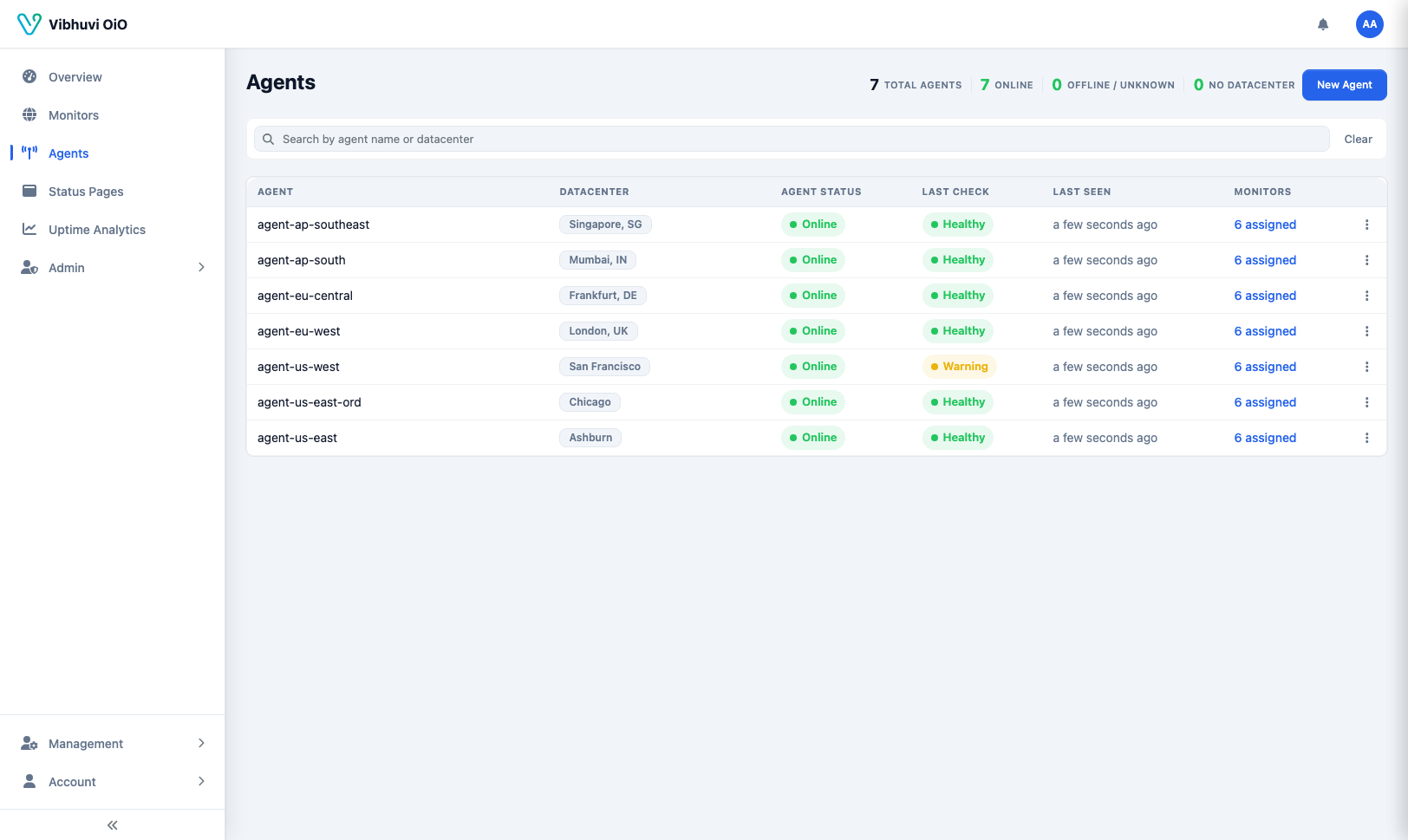
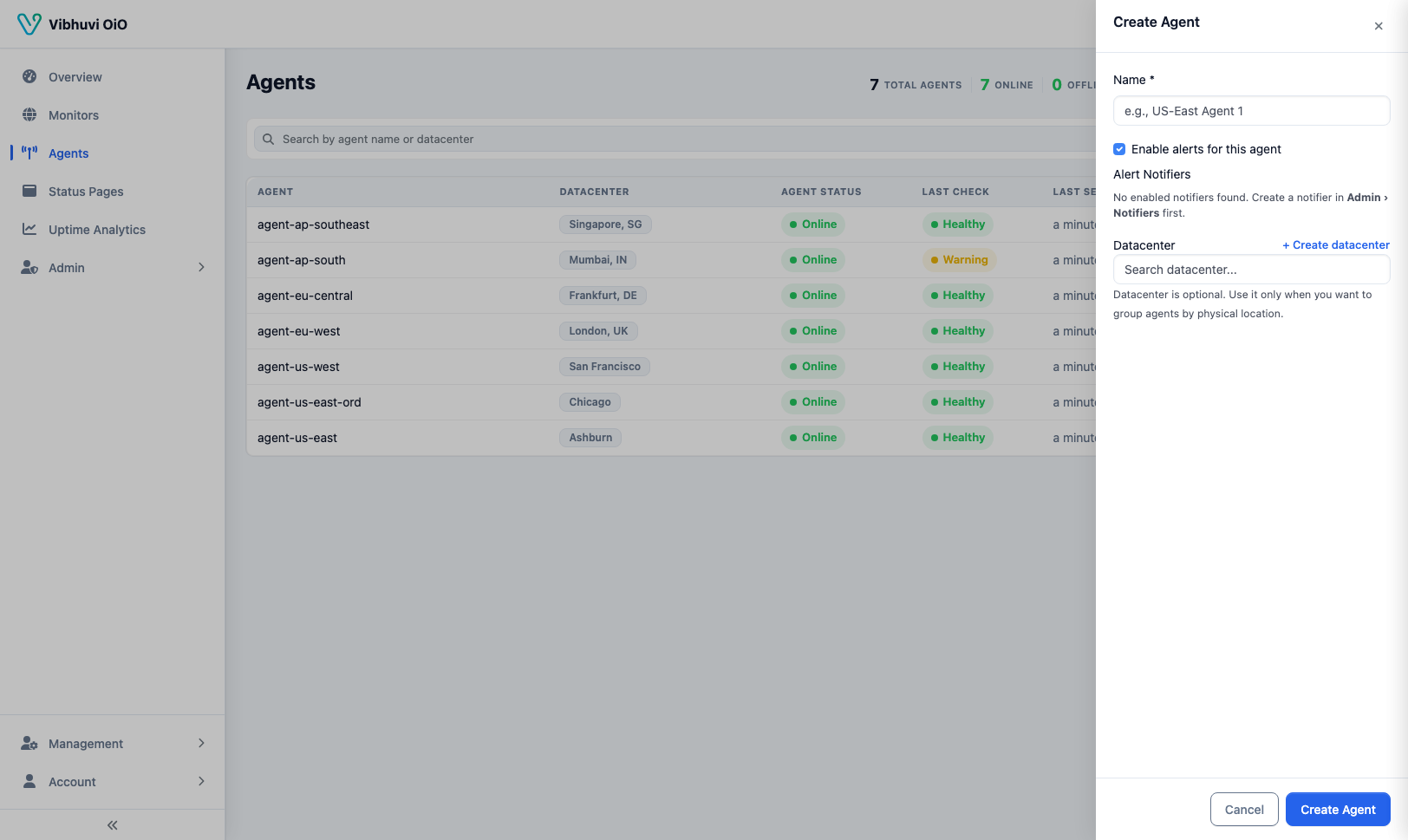 Save the agent ID shown after creation. You will need it when starting the agent process.
2. Create an API Key
Navigate to Admin → API Keys and create a new key.
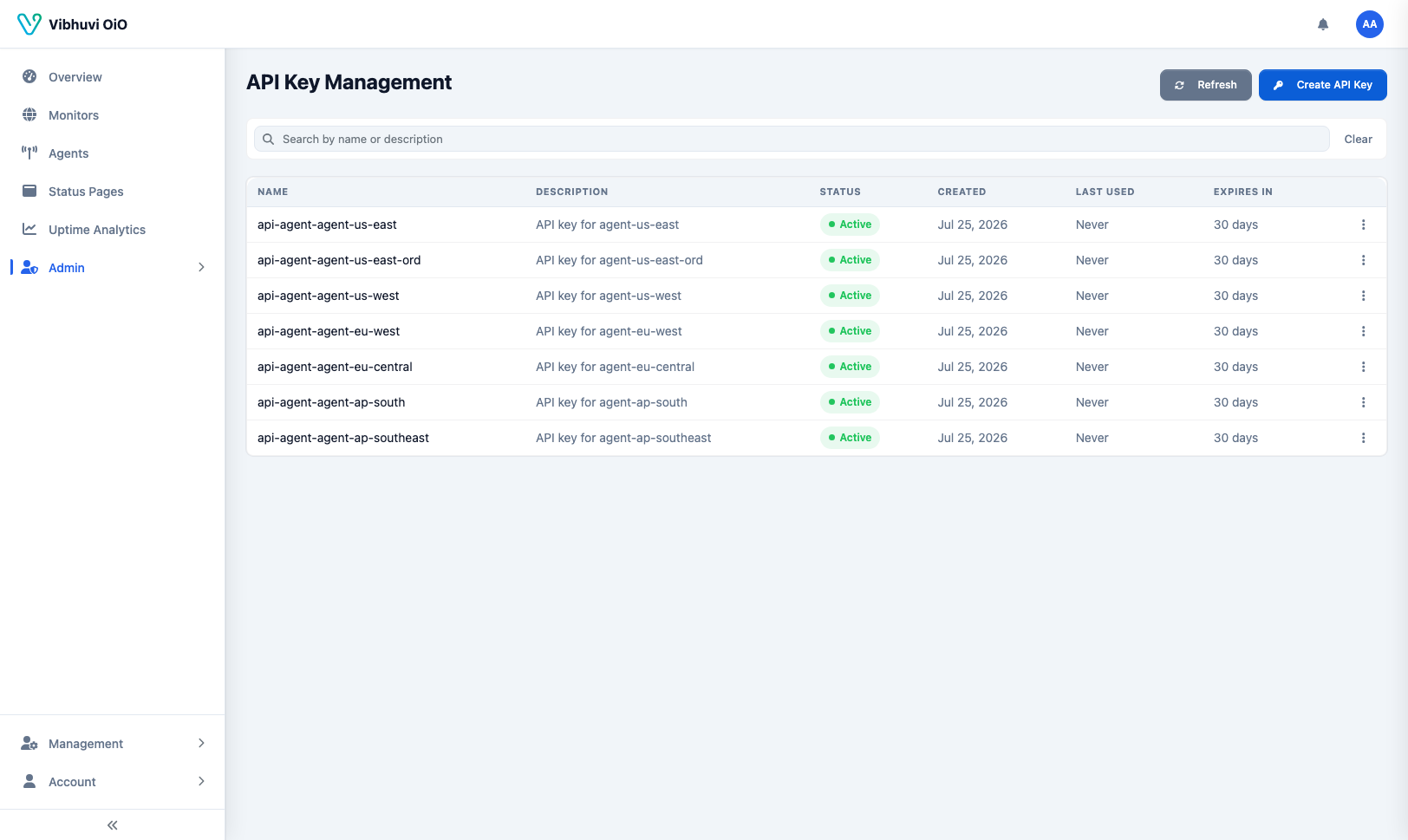
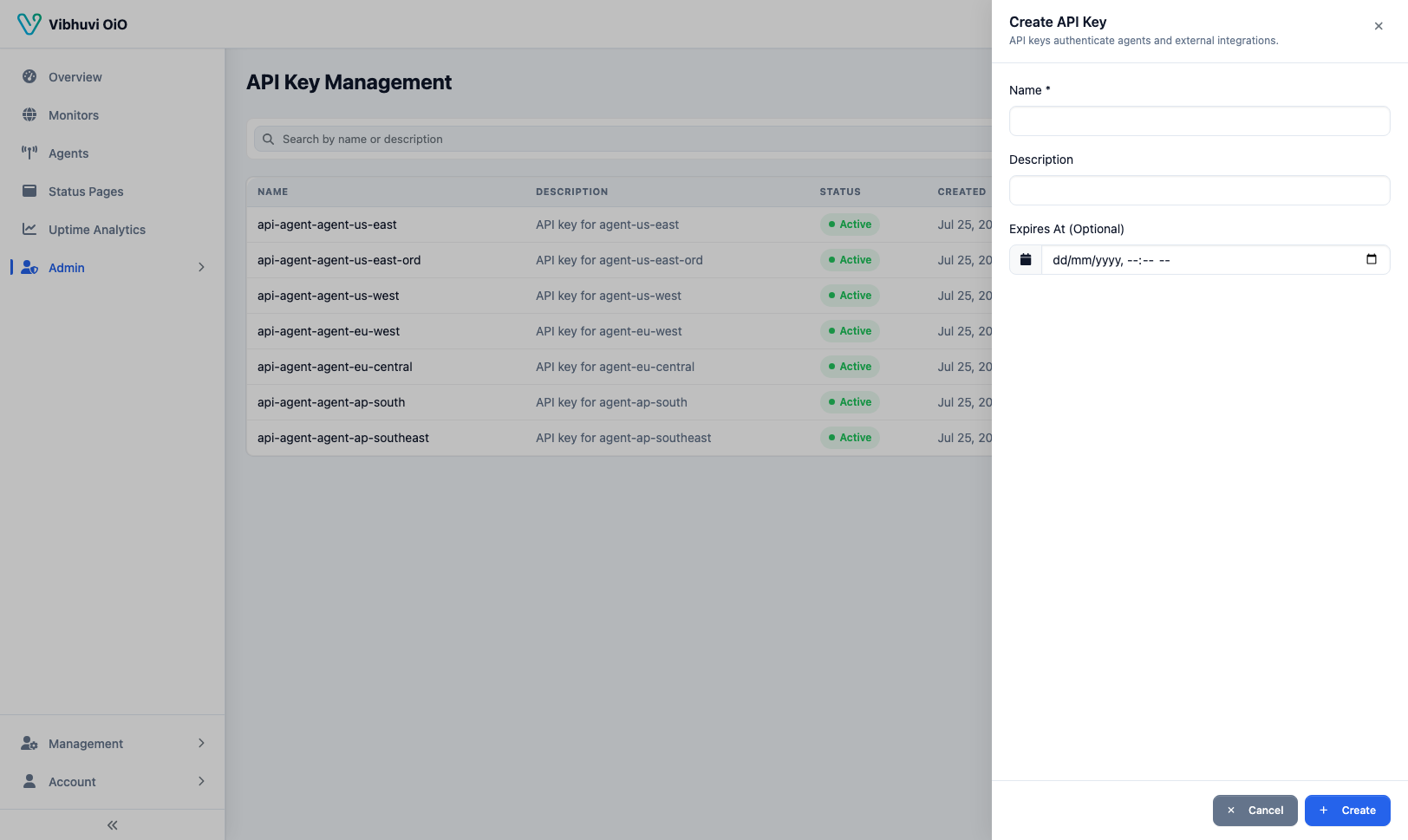 Copy the key value immediately — it is shown only once.
3. Run the Agent
Run the published agent image with Docker:
docker run -d \
  --name agent-us-east-1 \
  -e API_BASE_URL="http://host.docker.internal:8080" \
  -e API_KEY="uptimeo_YOUR_API_KEY" \
  -e AGENT_ID=1 \
  -e CONFIG_RELOAD_INTERVAL=1m \
  --restart unless-stopped \
  vibhuvioio/uptimeo-agent:latest
host.docker.internal lets the container reach an app running on your Docker host (on Linux, use the host's bridge IP instead).
4. Verify
Check the agent logs for Acquired leadership and successful heartbeat posts:
docker logs -f agent-us-east-1