Authentication
Web Console
The UptimeO web console uses standard user accounts. On a fresh install, sign in with:-
Username:
admin -
Password:
admin
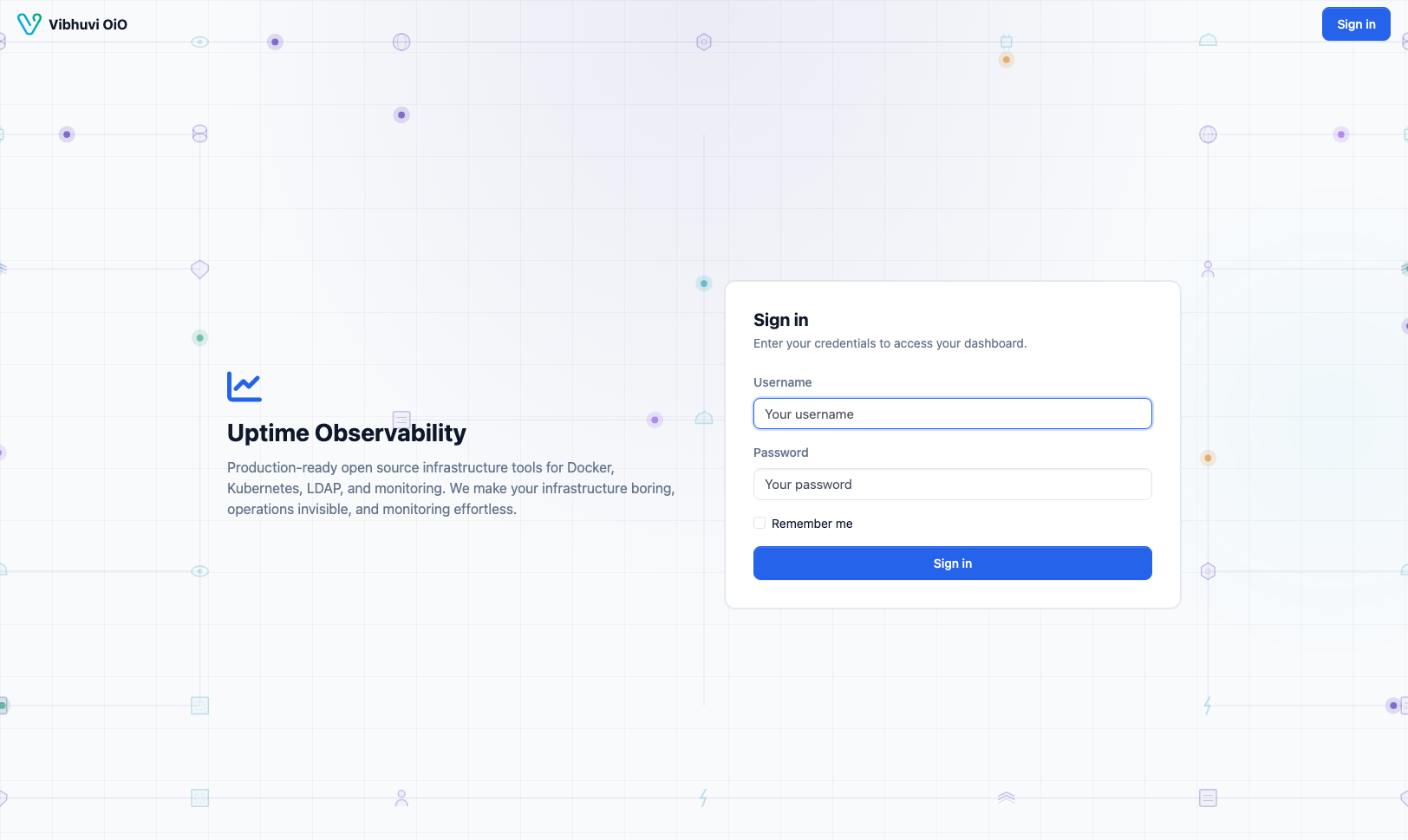
Security Note: Change the default password immediately after the first login.
API Keys
Agents and external tools authenticate with API keys.
Create a key under Admin → API Keys.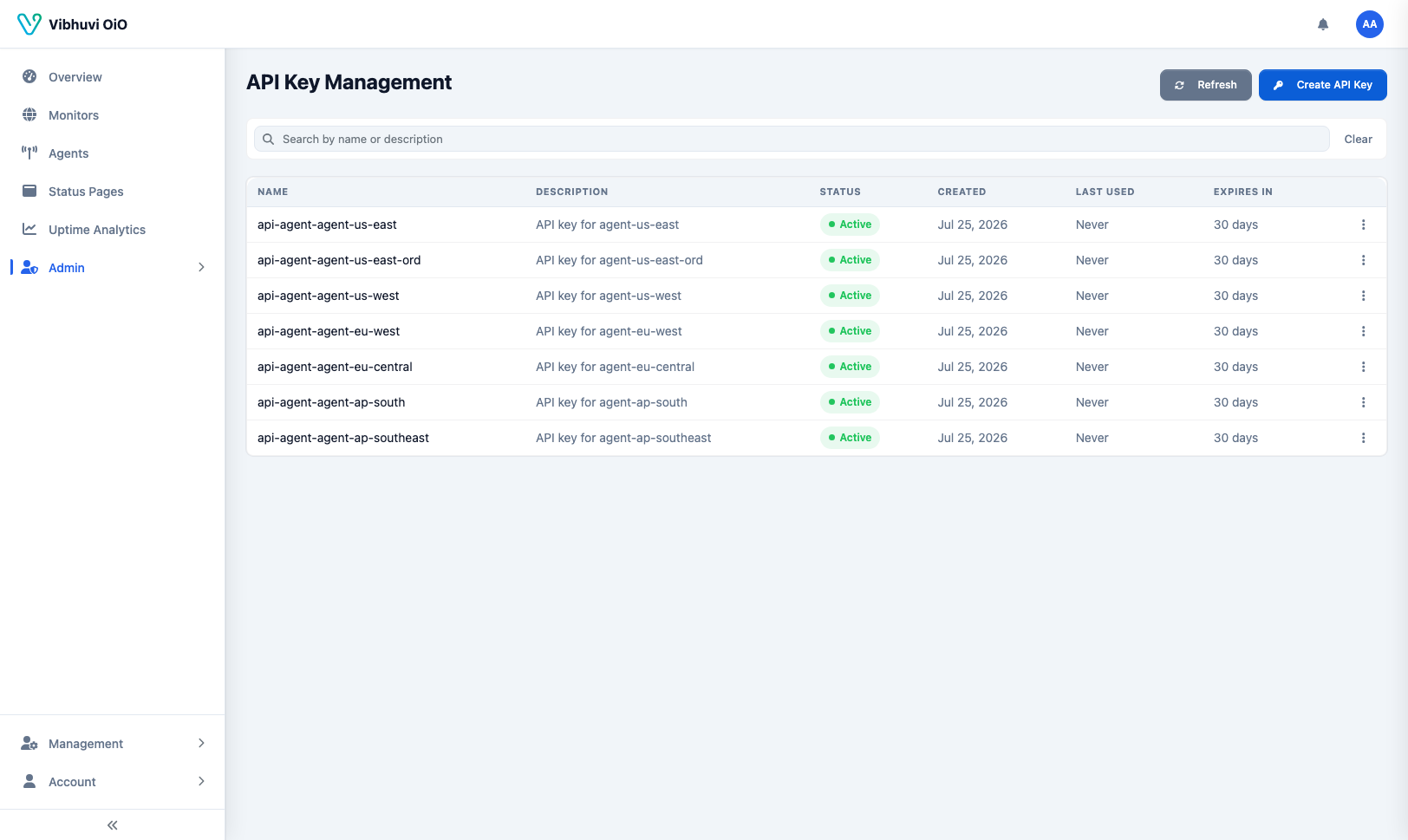
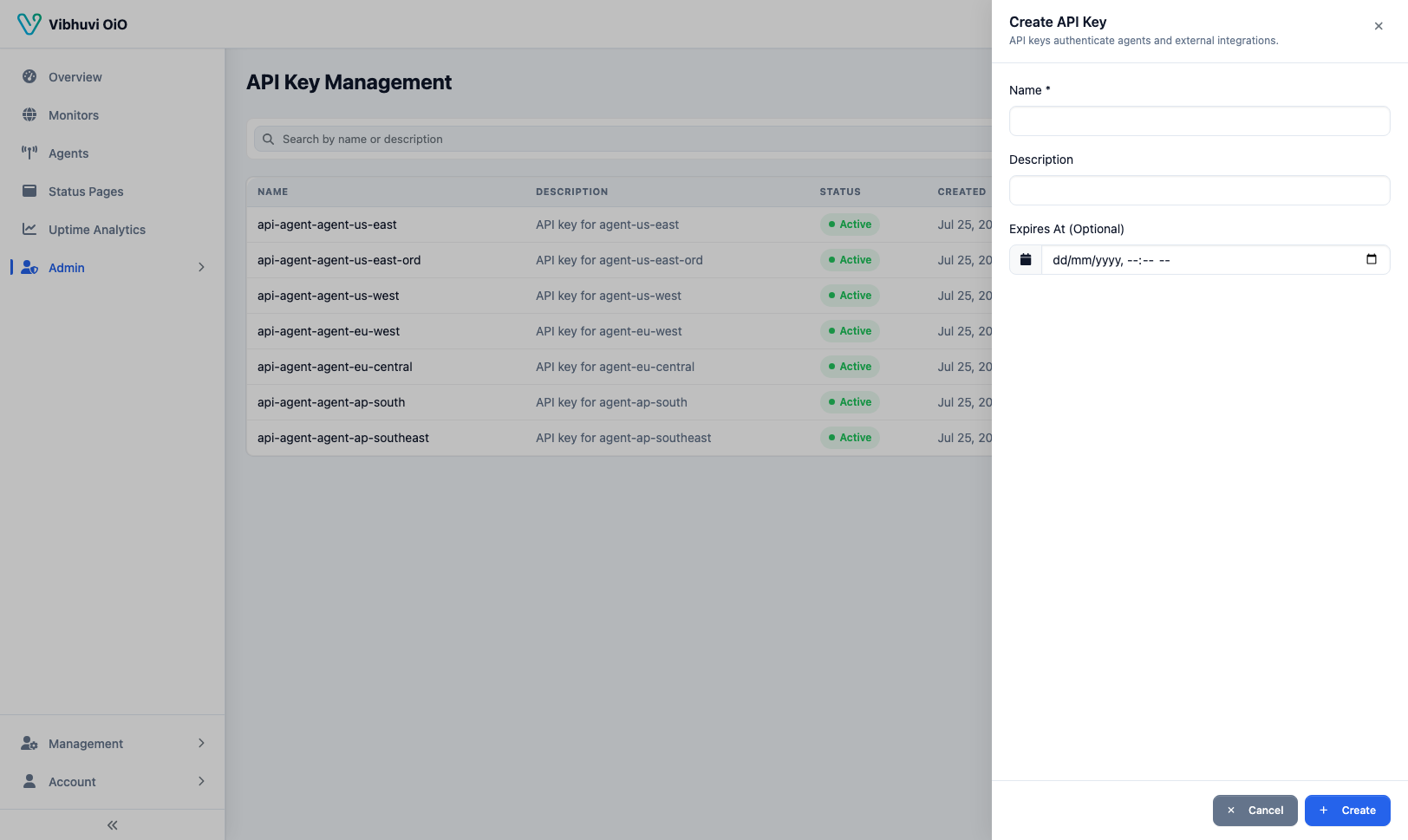
Using API Keys
Include the key in the X-API-Key header:
curl -H "X-API-Key: uptimeo_YOUR_API_KEY" \
  http://localhost:8080/api/agents
Managed agents read the key from the API_KEY environment variable:
export API_KEY="uptimeo_YOUR_API_KEY"
export API_BASE_URL="http://localhost:8080"
export AGENT_ID=1
Rotating Keys
To rotate a key, create a new one, update theAPI_KEY value in your agent environment, and restart the agents. Then delete the old key.